Edit PDF Online for Free – Add Text, Images, Annotations & More
Need to make a few changes to a PDF? You can edit it online without installing a desktop app. Add text, images, highlights, comments, and other annotations directly in your browser with SPVN Tech.
PDF files are convenient for sharing documents, but making changes to them can sometimes be frustrating. You may only need to add a short note, highlight an important section, insert an image, or make a few annotations before sending the document to someone else.
For those small tasks, you don't always need to install a full desktop PDF application. An online PDF editor can be a much simpler option.
With the SPVN Tech Edit PDF tool, you can work with a PDF directly in your browser and make common edits and annotations without installing additional software.
What Can You Do With an Online PDF Editor?
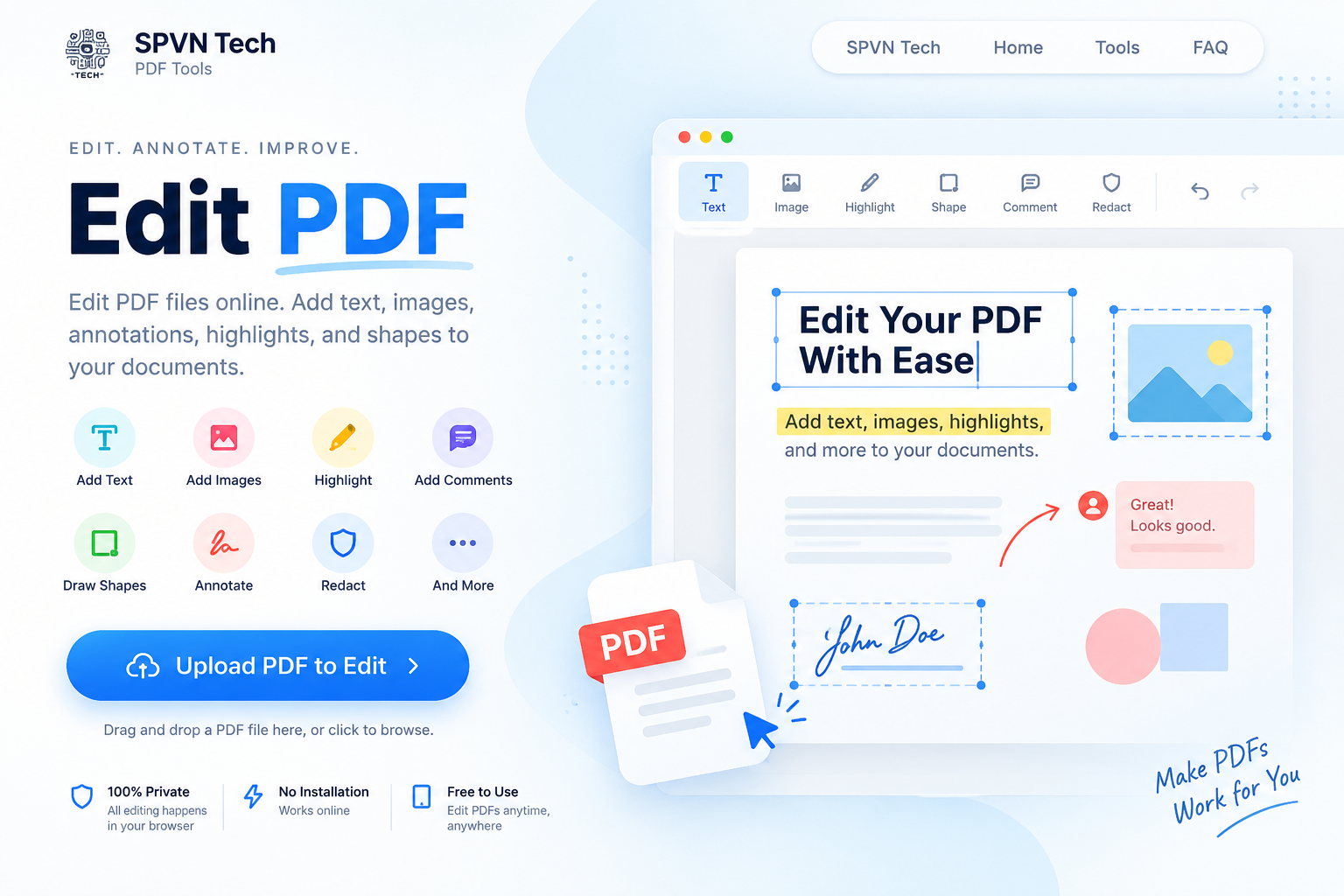
The editor is useful for many everyday PDF tasks. You can add text, images, highlights, shapes, and comments depending on what you need to change in your document.
For example, you might use it to:
- Add text to a document or form.
- Highlight important information.
- Add comments while reviewing a document.
- Insert an image or logo.
- Add shapes or other annotations.
- Mark information that needs attention.
How to Edit a PDF Online
1. Upload Your PDF
Open the Edit PDF tool and upload the document you want to work with. You can drag and drop the PDF into the upload area or select it from your device.
2. Choose the Editing Tool
Once the PDF is loaded, choose the tool you need. You can work with text, images, highlights, shapes, comments, and other available editing options.
3. Make Your Changes
Click on the document and start making your changes. You can add new elements, highlight sections, and place annotations where they are needed.
4. Save and Download
When everything looks right, save your changes and download the updated PDF.
When Is an Online PDF Editor Useful?
An online editor can be especially helpful when you only need to make a few changes to a document. It can save you from installing software just for a quick editing job.
Some common situations include reviewing documents, completing forms, adding notes, highlighting information, and preparing a PDF before sharing it with someone else.
Review Documents More Easily
PDF editing is not always about changing the original content. Sometimes you simply want to point something out.
For example, when reviewing a report or proposal, you can highlight an important section or add a comment directly to the document instead of explaining everything separately.
This can make document reviews easier to understand, especially when several people are working on the same file.
Add Images, Shapes and Annotations
Text is not always enough when working with a PDF. You may need to add an image, place a logo, draw a shape, or highlight a particular area of the page.
Having these options available in the same editor makes it easier to handle different types of PDF tasks without switching between multiple applications.
Working With Sensitive Information
Some documents contain information that should not be shared publicly. When sensitive content needs to be removed, redaction tools can be useful.
Before sharing a redacted document, always check the final version carefully and make sure the sensitive information has actually been removed.
Do You Need to Install Any Software?
No desktop installation is required to use the online editor. You can open the tool in a modern web browser and work with your PDF there.
This can be convenient when you're using a different computer or simply need to make a quick change without installing another application.
Can You Undo Changes?
Yes. The editor includes undo and redo functionality, so you can reverse recent changes while working on your document.
A Simple Way to Edit PDFs
You don't always need a complicated desktop application to make a few changes to a PDF. For everyday tasks such as adding text, highlighting information, inserting images, or adding comments, an online editor can be a practical option.
Try the SPVN Tech Edit PDF tool and make your changes directly in your browser: